Gutti Digital Platform

Fill Your Calendar Without Playing Phone Tag

Appointment-based businesses lose hours every week to scheduling calls that could happen automatically. Online booking lets customers book when they are ready, not just when you are available to answer.

Appointment Booking & Calendar automation feature for small businesses

How It Works

1

Calendar Sync

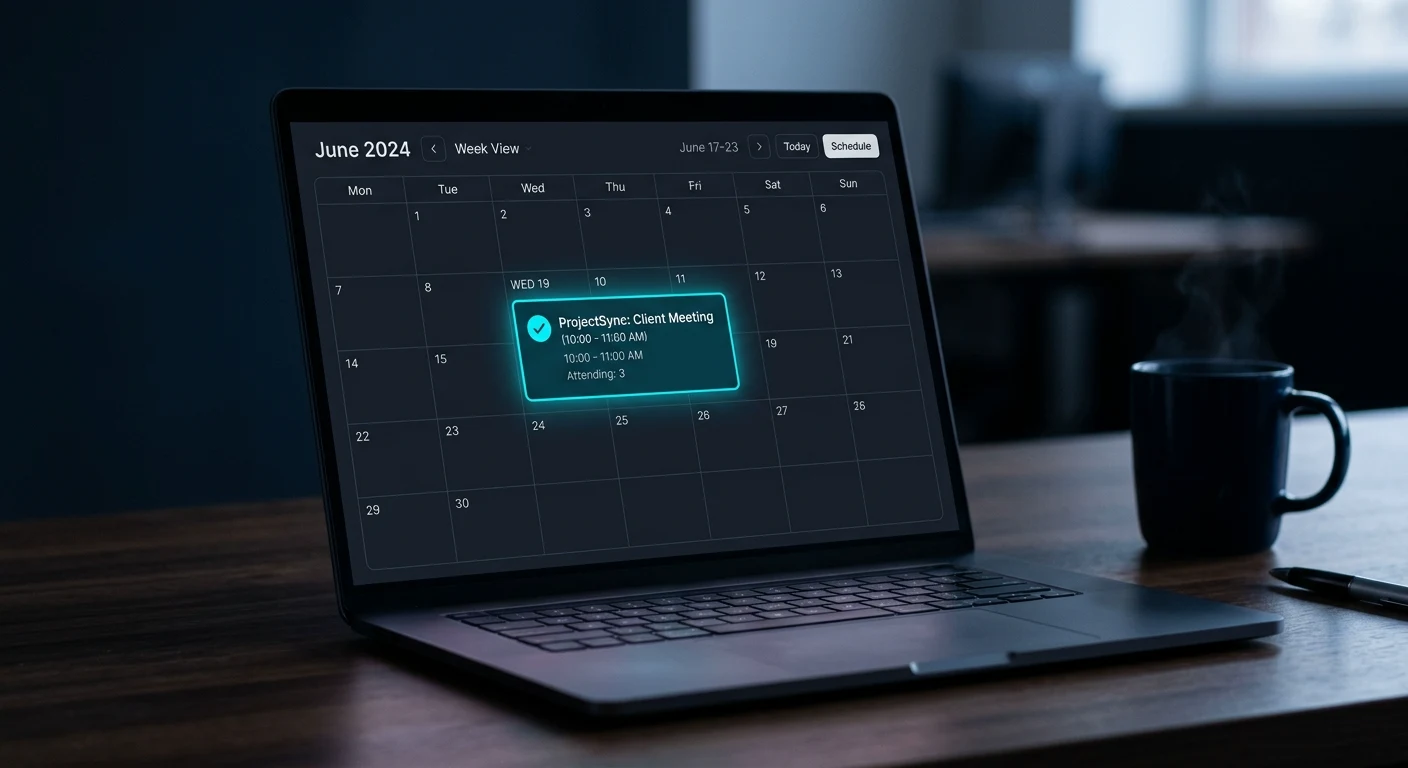
We connect the booking system to your Google Calendar or preferred calendar. Your real-time availability is reflected in the booking widget — no double-booking, no manual updates required.

2

Booking Widget on Your Site

A clean booking calendar is embedded on your website — a dedicated booking page, a service page, or both. Customers pick a service, pick a time, and enter their contact info in under two minutes.

3

Confirmation & Reminder Sequences

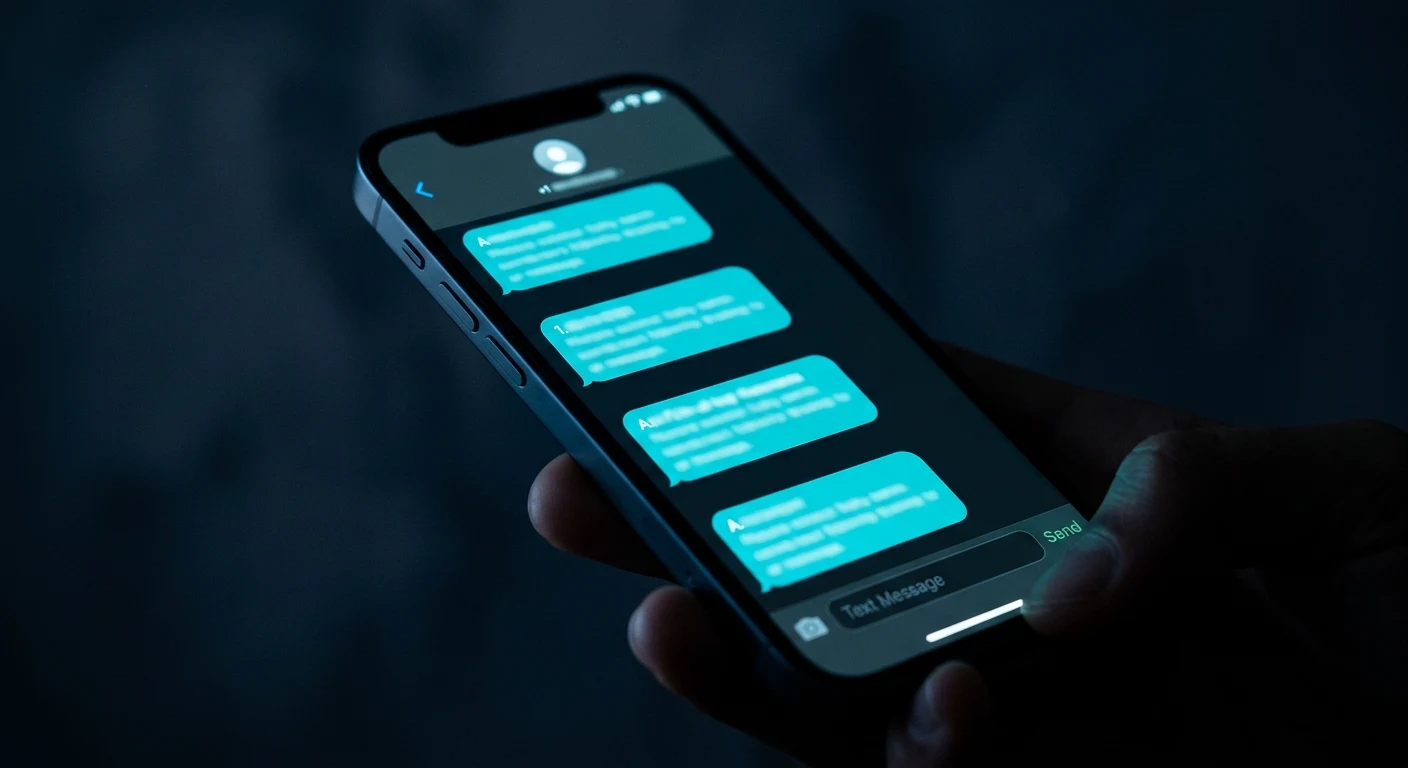
Instant confirmation goes out the moment a booking is made. Reminder texts and emails are automatically sent 24 hours and 2 hours before the appointment.

4

No-Show Reduction

Built-in reminder sequences and easy reschedule links dramatically reduce no-shows. When someone does need to reschedule, they do it in one click rather than calling.

What This Delivers

Eliminates Scheduling Back-and-Forth

Customers book themselves into available slots. You don't field scheduling calls — you just show up prepared.

Books Appointments Around the Clock

Someone researching your service at 10 PM can book immediately. You wake up to a filled calendar.

Reduces No-Shows Significantly

Automated reminders cut no-show rates for service businesses by 30–50% compared to phone-only booking.

Professional Customer Experience

Immediate confirmation and clear appointment details set the right expectation from the very first interaction.

Without Online Booking

  • Scheduling calls consume time that could be spent on billable work
  • Leads who want to book outside of business hours move on to a competitor who offers instant self-scheduling
  • No-shows happen more often when customers haven't confirmed through a seamless digital process

Setup & Integration

Syncs with Google Calendar. Booking widget embedded directly on your existing website — no separate booking site for customers to navigate to.

Appointment Booking FAQs

What calendar apps does the booking system sync with?

The booking system syncs with Google Calendar and can integrate with most major calendar platforms. Your availability is reflected in real time — if you block off time on your calendar, it becomes unavailable in the booking widget automatically. We handle the setup and test the sync before anything goes live on your site.

What do the confirmation and reminder messages include?

Confirmation messages include the appointment date, time, service booked, your address or call-in link (for virtual appointments), and a reschedule link. Reminder messages are sent 24 hours and 2 hours before the appointment and include the same key details plus a one-click option to confirm or reschedule. All messaging is customized to match your brand.

Can customers book multiple services or service types?

Yes. You can set up as many service types as you need, each with its own duration, availability window, and pricing. A contractor might have separate booking options for estimates versus full consultations. A salon might list each service separately with different time blocks. The booking widget displays all available options and lets customers choose.

What happens when a customer needs to reschedule?

Every confirmation and reminder message includes a reschedule link. Customers click it and pick a new time from your current availability — no phone call required. You get a notification whenever a reschedule happens so you are always aware of your updated calendar.

Related Automation Features

Start filling your calendar automatically

Schedule a free consultation to see how Appointment Booking & Calendar would work specifically for your business — including setup, what triggers it, and what results to expect.