
Gutti Digital Platform

Build Your Google Rating on Autopilot

Satisfied customers almost never leave reviews unless they are asked directly and given an easy way to do it. Automated review requests make it effortless — for them and for you.

Review Request Automation automation feature for small businesses

How It Works

1

Trigger Configuration

We set up the review request to fire after a defined event — job completion, appointment end, invoice sent, or a custom trigger that makes sense for your workflow.

2

Message Personalization

The request is a short, genuine text or email — personalized with the customer's name and your business name. It includes a direct link to your Google Business Profile review form.

3

Friction Removal

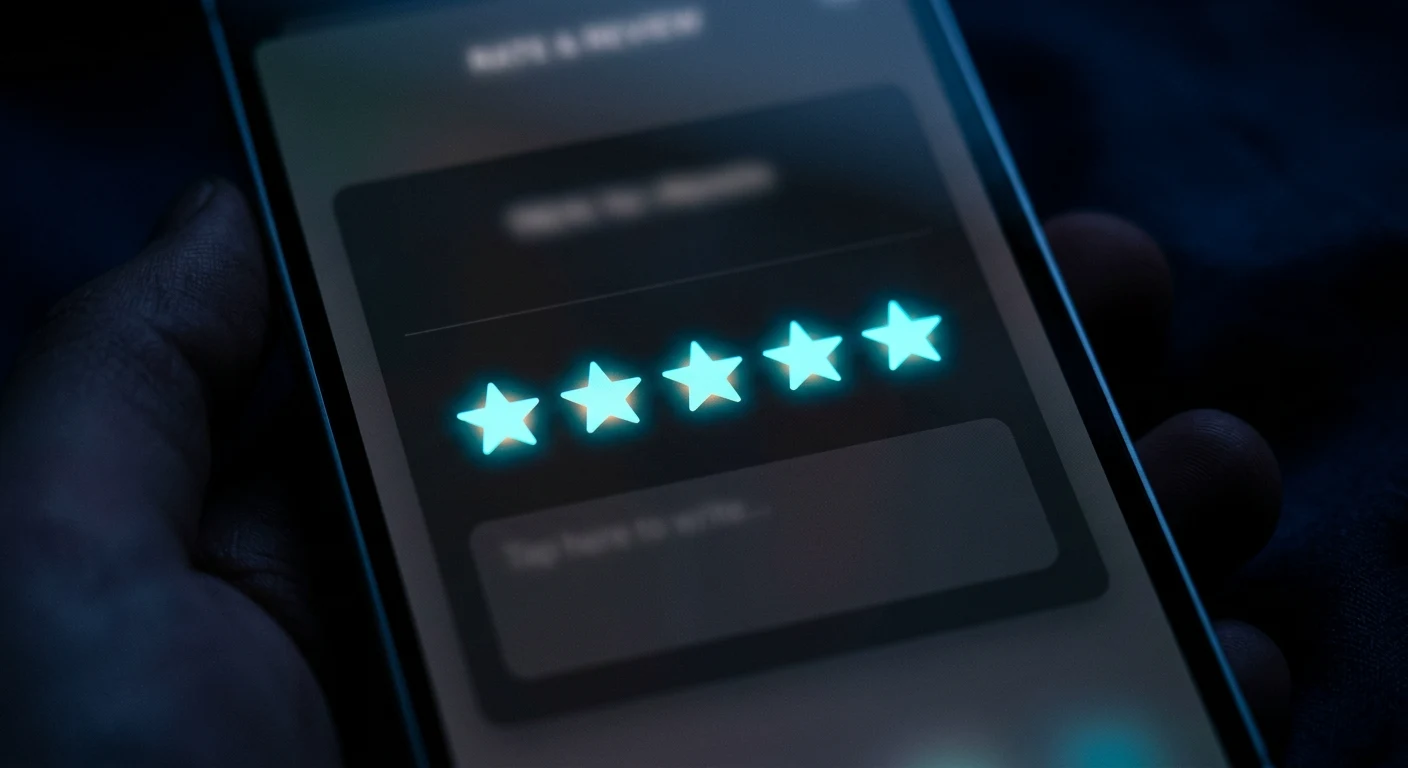
The customer taps the link, sees a pre-opened Google review form, and can leave a star rating and comment in under 60 seconds. No searching for your profile, no signing in on desktop first.

4

Monitoring & Response

New reviews are flagged in your dashboard so you can respond promptly. Responding to reviews — positive and negative — is one of the clearest signals to Google that your business is active and engaged.

What This Delivers

Consistent Review Volume

A steady stream of new reviews builds authority over time and ranks you higher in local search results.

Higher Average Rating

Unhappy customers complain unprompted. Happy customers need a nudge. Automated requests capture the majority who had a positive experience.

No Manual Follow-Up

You do not have to remember to ask for reviews or feel awkward about it. The system handles it at the right moment automatically.

SEO and Conversion Impact

A Google Business Profile with 50 recent reviews consistently outranks a competitor with 5. Reviews directly affect local search visibility.

Without Review Request Automation

  • Only a small fraction of satisfied customers leave reviews on their own — typically between 5 and 10 percent
  • Review volume stagnates while competitors who ask consistently accumulate social proof
  • A Google Business Profile with few recent reviews loses ground in the local map pack regardless of service quality

Setup & Integration

Connects to your Google Business Profile review link. Works via text message or email depending on contact preference.

Review Requests FAQs

When exactly does the review request get sent?

The timing is set during onboarding and depends on your business type. For a service call or project completion, the request typically goes out one to two hours after the job ends — while the experience is fresh. For appointment-based businesses, it goes out the same evening. We test different timing options and settle on what gets the best response rate for your specific situation.

What if a customer had a negative experience — will they still get a review request?

There are two approaches: send to all completed jobs and accept that occasional negative reviews come with the territory, or use a satisfaction check-in first and only route customers who indicate satisfaction to the review link. Most businesses with strong service quality do better with the direct approach — occasional negative reviews are fine and expected, and responding to them well actually builds trust.

Does the review request go to Google specifically or other platforms too?

Google Business Profile is the default because it has the most direct impact on local search rankings. We can also set up requests that link to a second platform — Yelp, Facebook, or a niche industry directory — as a secondary option. Most businesses focus on Google first until they have a solid rating base there.

Can I see how many review requests have been sent and what the conversion rate is?

Yes. Your Gutti Digital platform dashboard shows the number of requests sent, delivery confirmations, and the click-through rate on the review link. We review this data monthly and adjust the message or timing if the conversion rate is below benchmark.

Related Automation Features

Start building your Google rating automatically

Schedule a free consultation to see how Review Request Automation would work specifically for your business — including setup, what triggers it, and what results to expect.