Automated SMS Follow-Ups
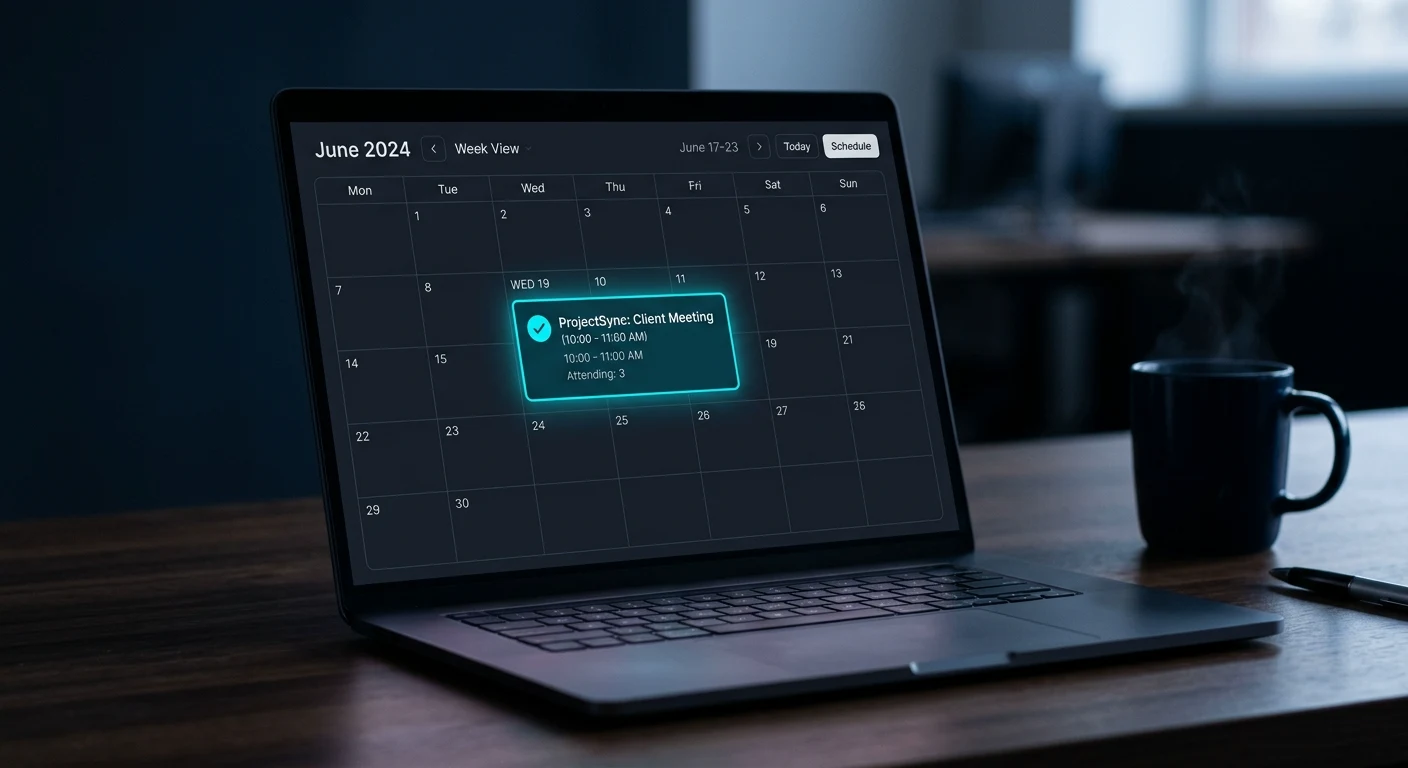
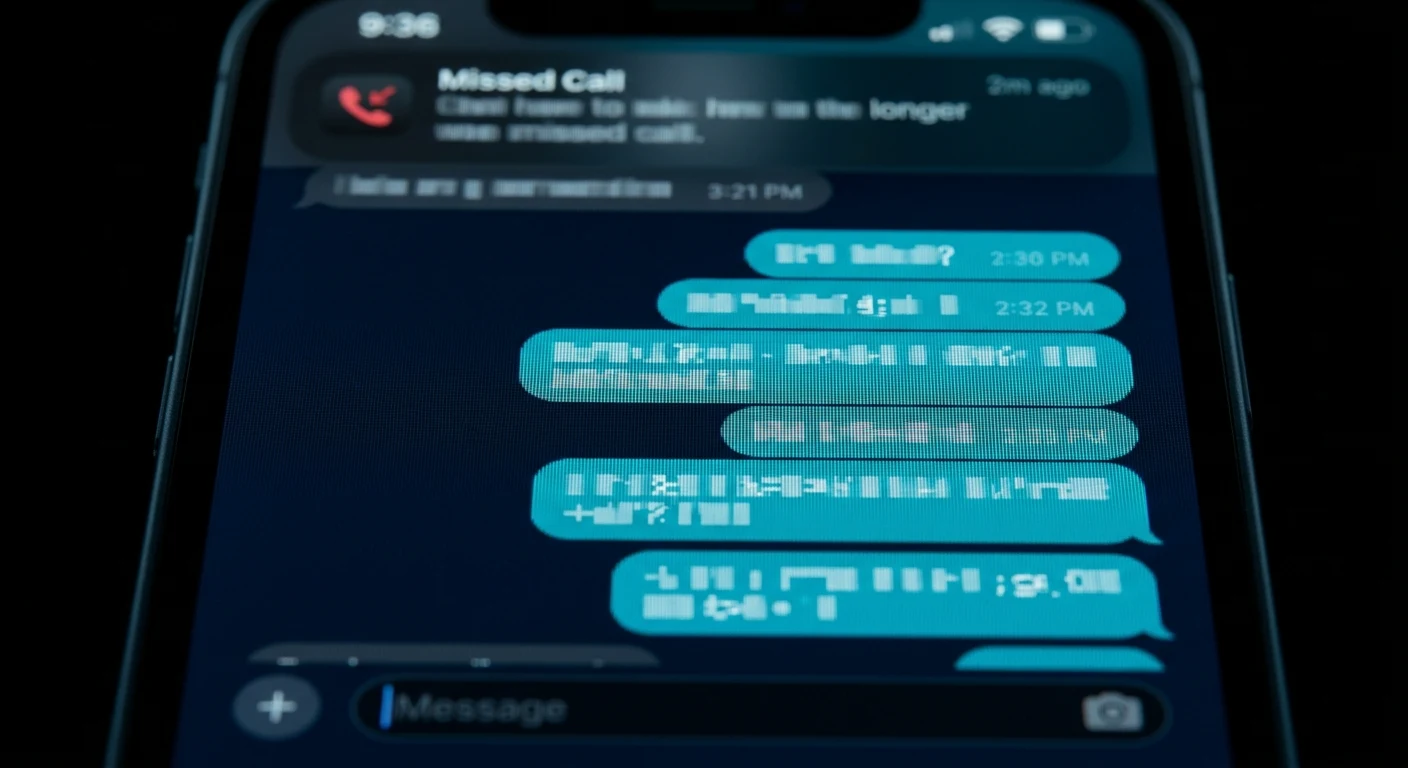
Automated text sequences sent within minutes of a form submission, missed call, or inquiry. Speed-to-lead is one of the biggest factors in converting new inquiries — this runs 24/7 without manual input.
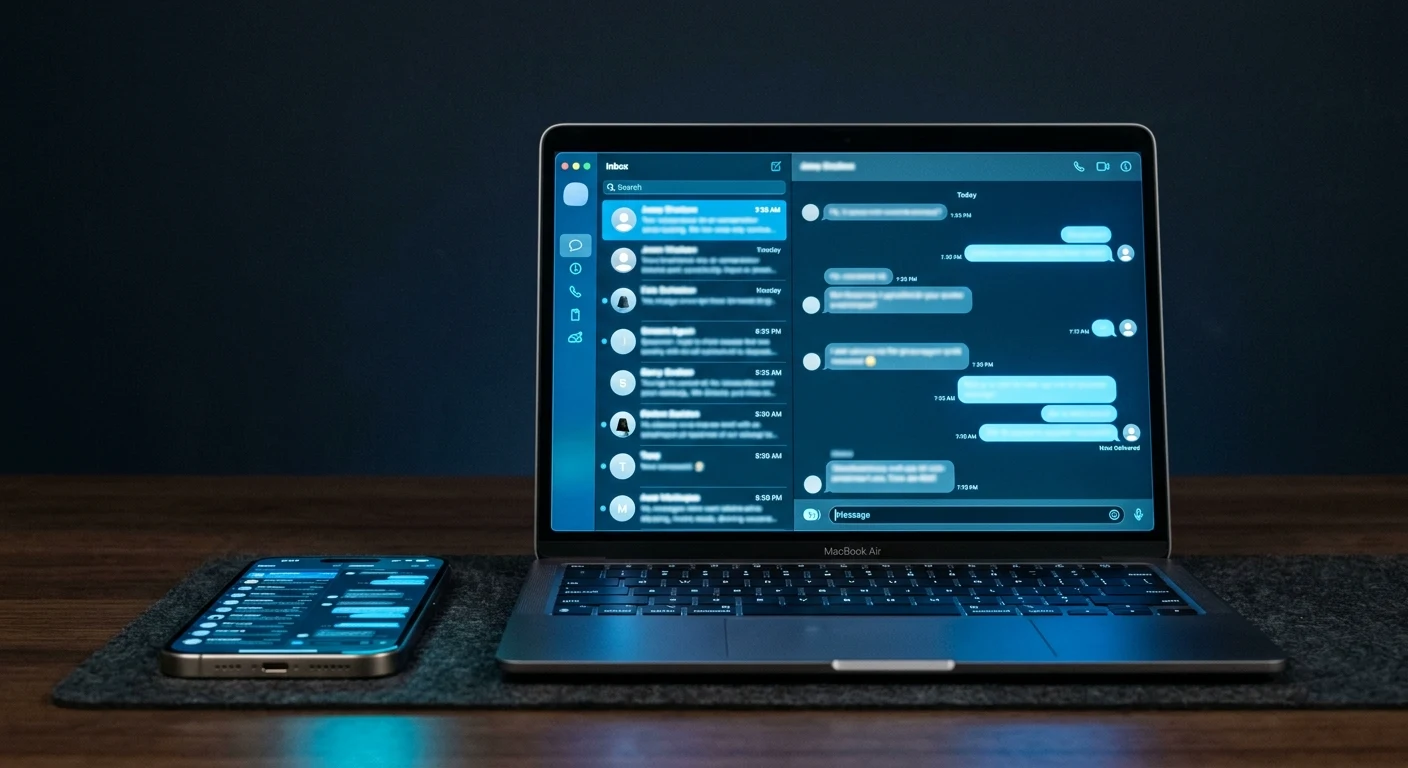
Managing leads across text, email, and missed calls from separate apps is a recipe for dropped conversations. One inbox keeps every contact organized — and accessible from any device.
We connect your business phone number and email address to your Gutti Digital platform dashboard. Every inbound text and email goes to one place.
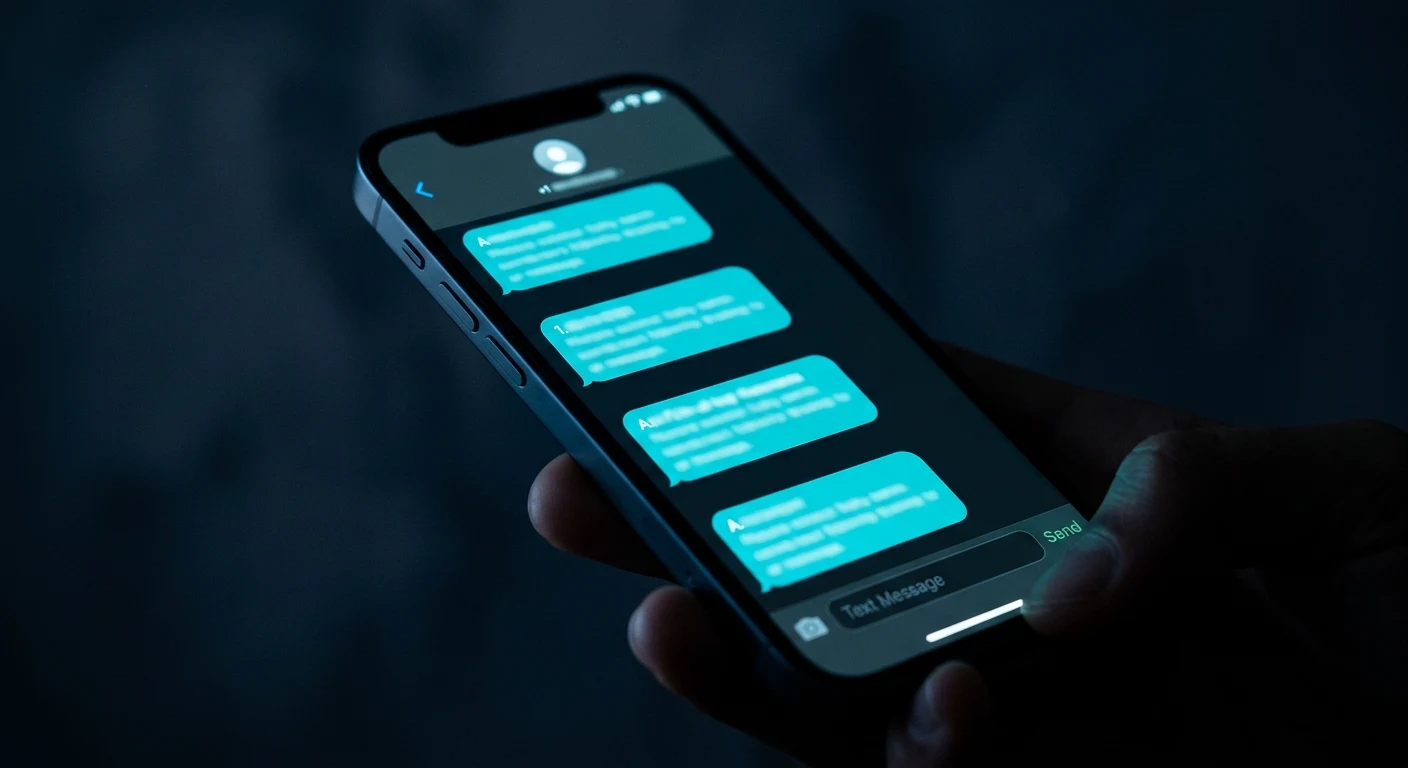
Your inbox is accessible from the mobile app on your phone — reply to a customer text between jobs the same way you would a regular text, except everything is logged and business-branded.
Every conversation is attached to a contact record. You see the full history of every interaction with a customer — texts, emails, appointment history — in one view.
Need to send a seasonal promotion or an important update to a list of past customers? Broadcast text messages go out to your contact list with one action.
One inbox means no more missed messages buried in a personal text thread or a second email account.
Customer conversations stay in your business inbox — separate from personal messages, organized by contact.
Reply from the job site, the truck, or your desk. The inbox is accessible on any device.
Every exchange with every customer is logged and searchable. No more guessing who called about what.
Connected to your existing business phone number and email. Mobile app available on iOS and Android.
It does not replace it — it centralizes incoming customer messages so they are in one place alongside your text conversations. You can still use Gmail, Outlook, or whatever email platform you prefer. The unified inbox is for customer-facing communications specifically, not internal business email.
The mobile app is clean and straightforward — it looks similar to a standard messaging app, with conversations listed by contact. You download it from the App Store or Google Play. When a customer texts your business number or emails your contact address, the message appears in the app with a notification. Replying is exactly like replying to any text message.
Yes. If you have staff who handle customer communications, they can be added to the inbox with their own login. Conversations can be assigned to specific team members so it is clear who is handling each lead. For solo operators, the single-user setup is clean and simple.
Standard plans include a generous message allowance that covers the communication volume of a typical small service business. High-volume operations — businesses sending hundreds of broadcast messages monthly — would have usage reviewed during onboarding to make sure the plan fits. There are no surprise overages without advance notice.
Automation performs better when paired with a well-ranked website driving consistent inbound traffic.
Schedule a free consultation to see how 2-Way SMS & Email Conversations would work specifically for your business — including setup, what triggers it, and what results to expect.